
New flash deals are on the way. Explore the marketplace below.
Current Flash Deals
Limited-time offers. Catch them before they’re gone.
-
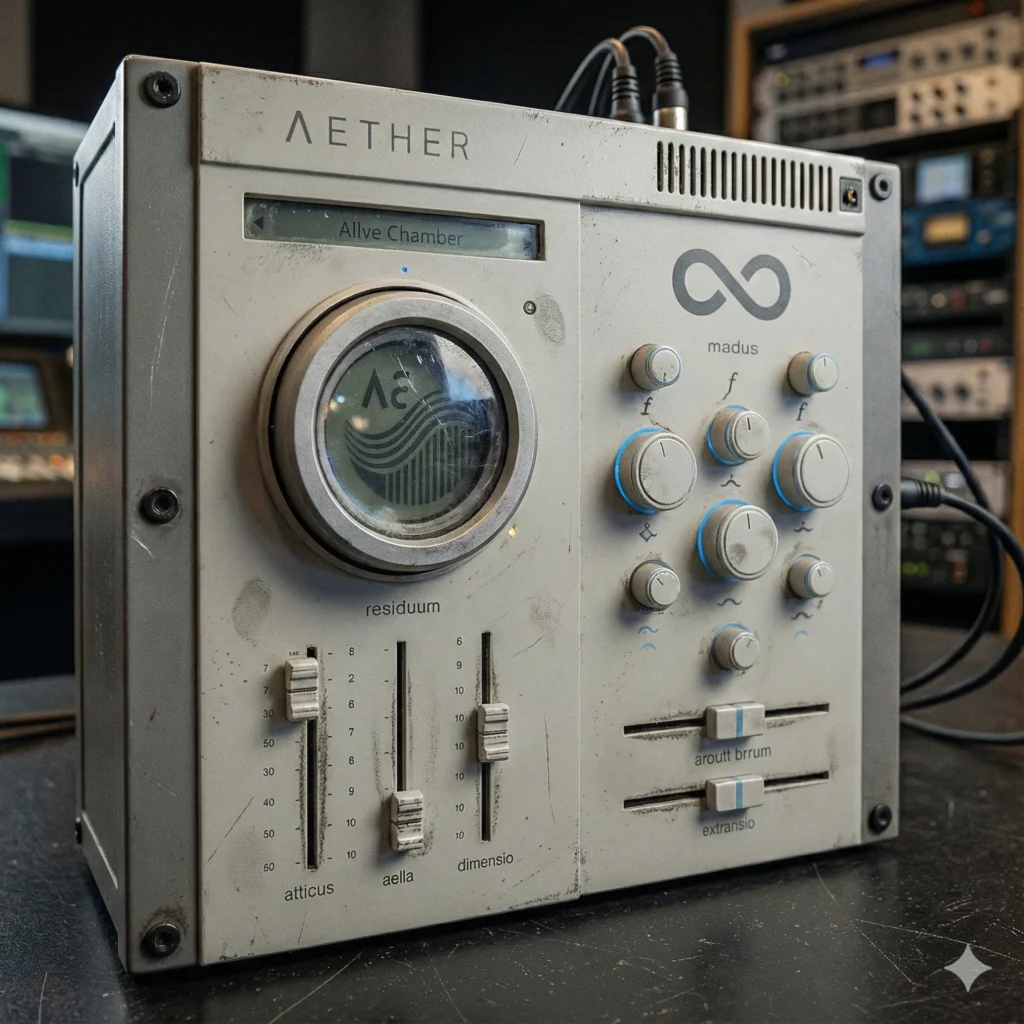
Aether VST/AU/AAX
Original price was: $74.99.$34.99Current price is: $34.99. -
DeLorean VST/AU/AAX
Original price was: $74.99.$34.99Current price is: $34.99. -
Dirt Magnet VST/AU/AAX/CLAP
Original price was: $69.99.$49.99Current price is: $49.99. -
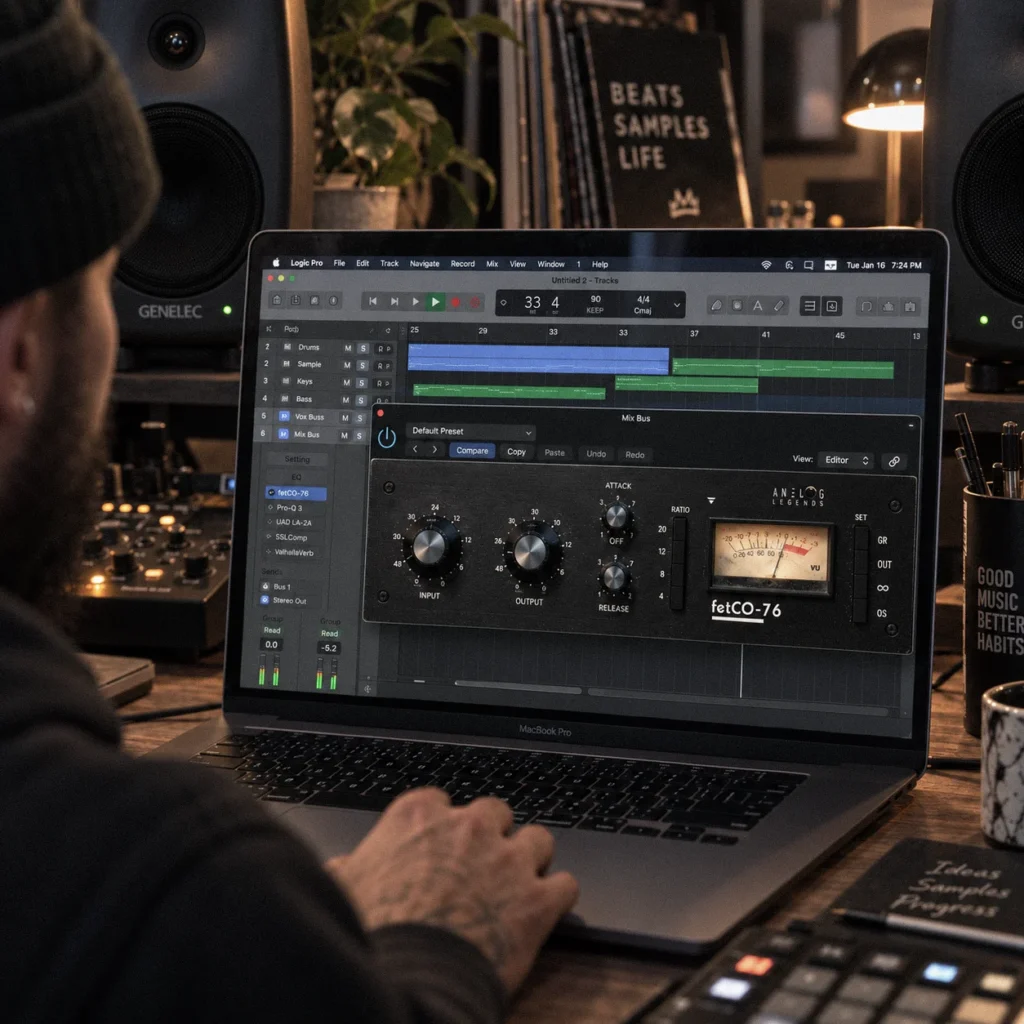
fetCO Compressor VST/AU/AAX/CLAP
Original price was: $99.99.$59.99Current price is: $59.99. -
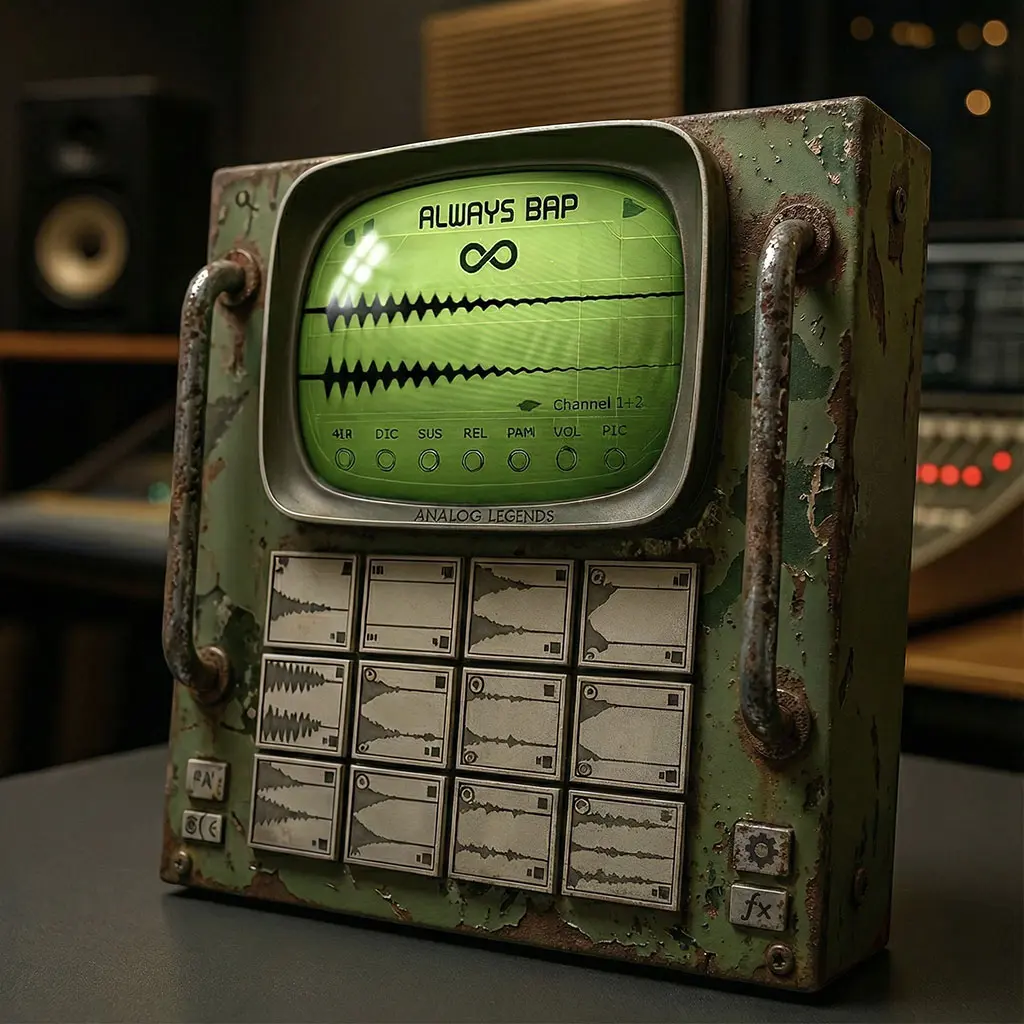
KitBoy AI VSTi/AU/AAX
Original price was: $149.99.$74.99Current price is: $74.99. -
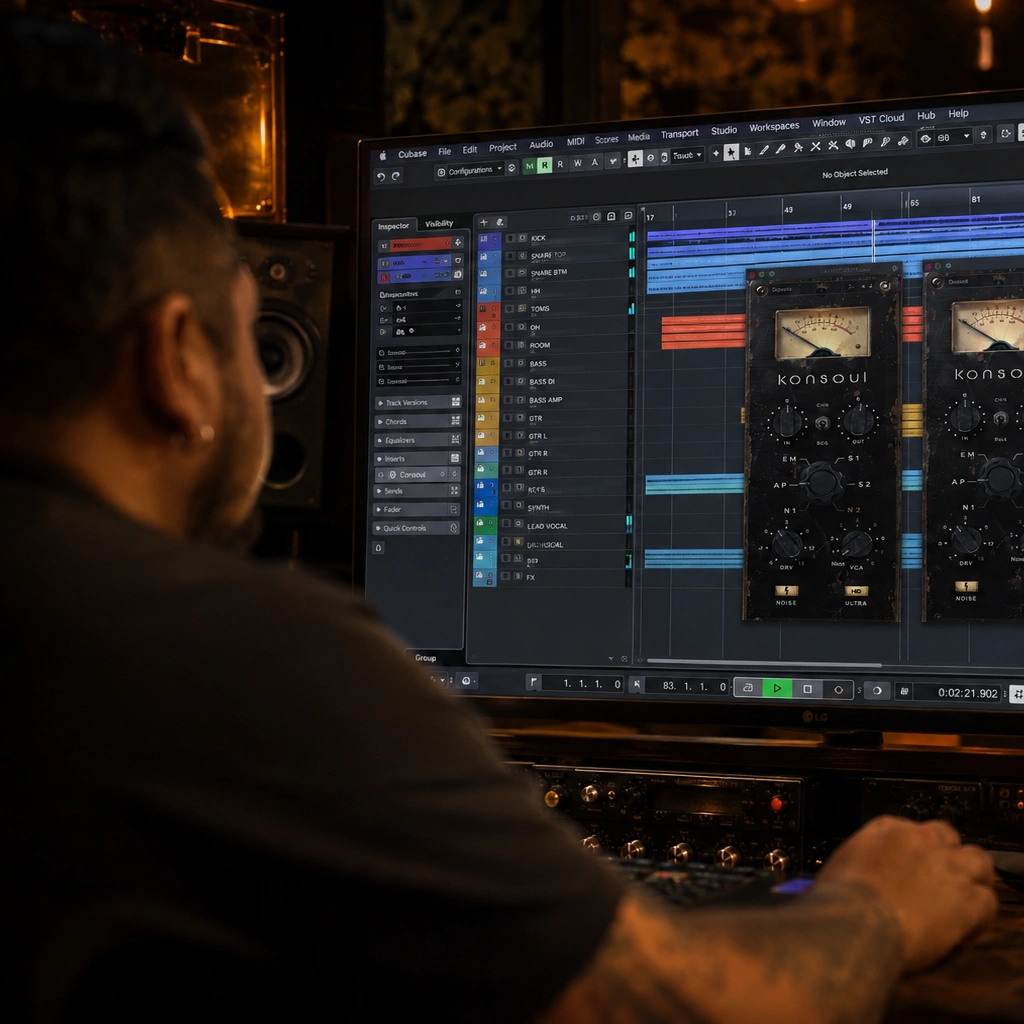
Konsoul VST/AU/AAX/CLAP
Original price was: $84.99.$49.99Current price is: $49.99. -
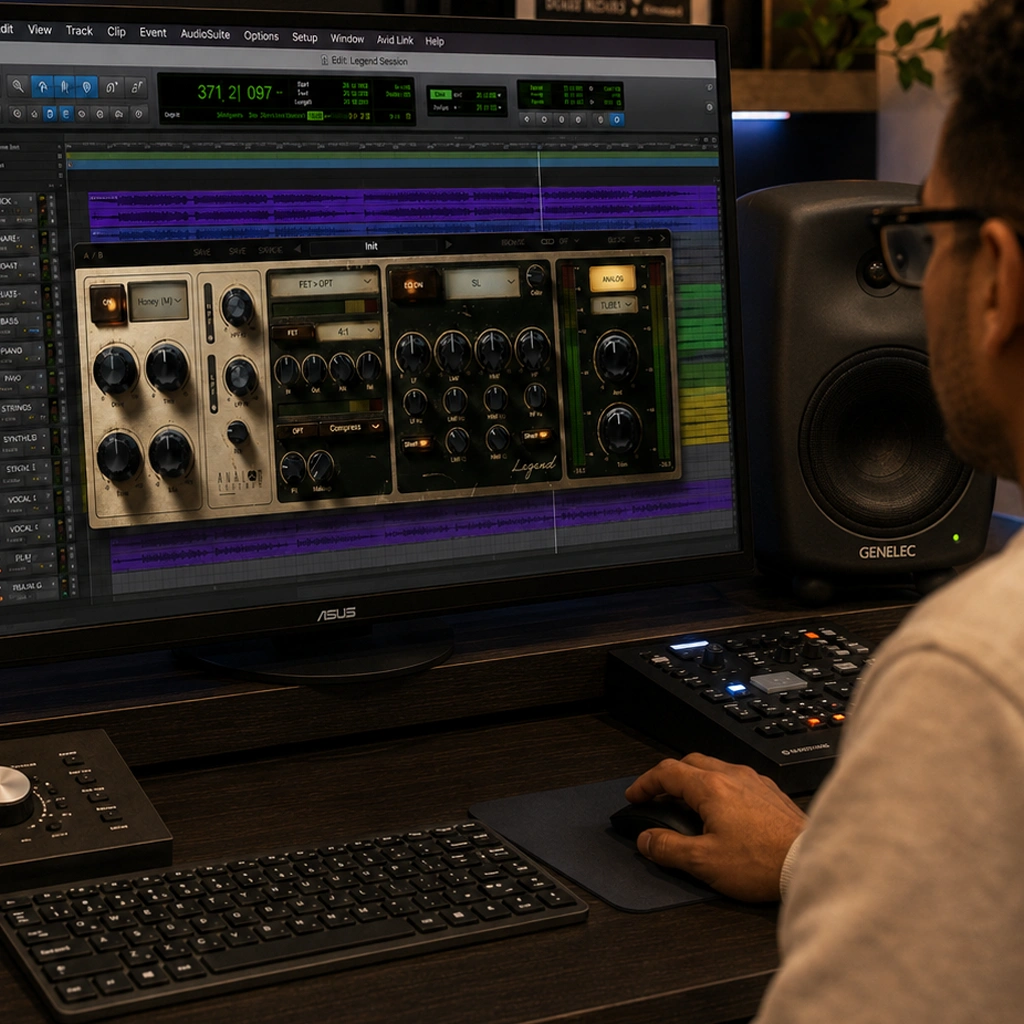
Legend Channel VST/AU/AAX/CLAP
Original price was: $149.99.$59.99Current price is: $59.99. -
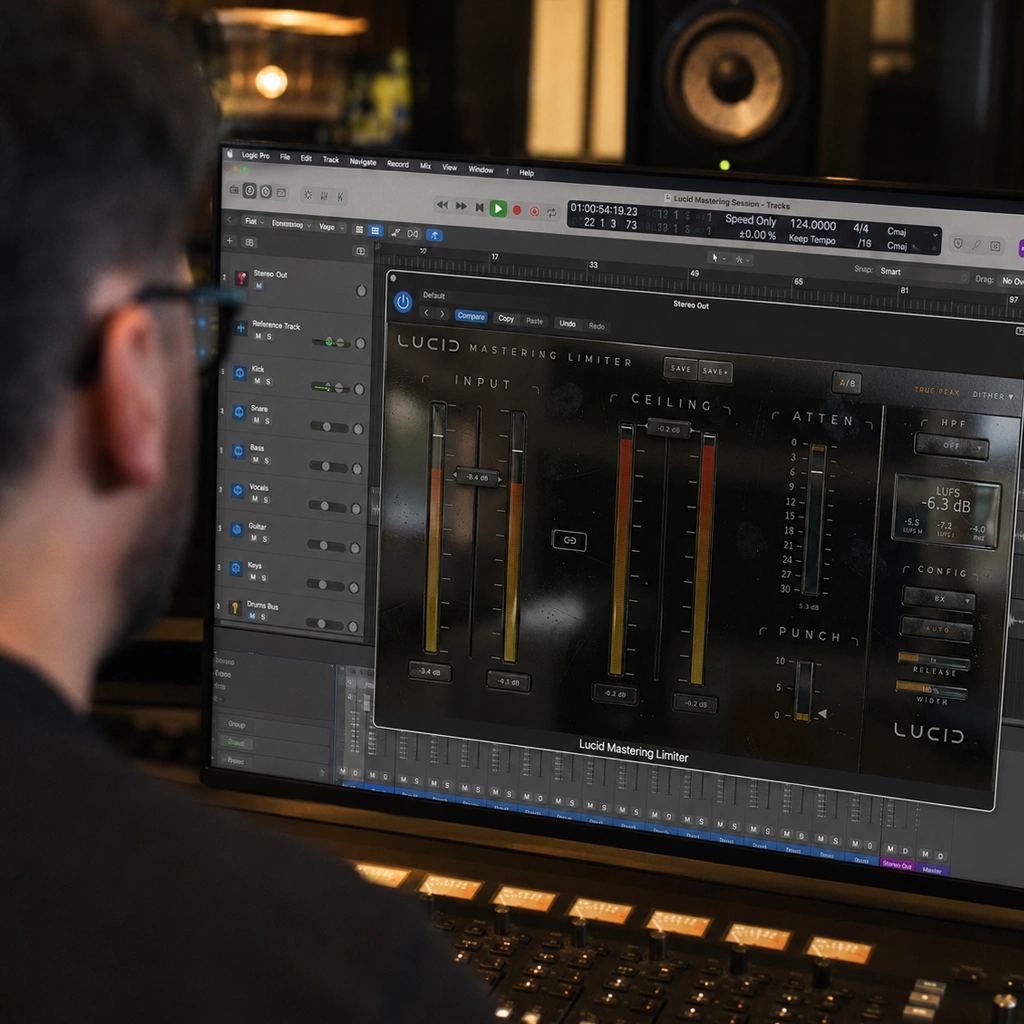
Lucid Mastering Limiter VST/AU/AAX/CLAP
Original price was: $99.99.$59.99Current price is: $59.99.


Plugin deals for your next great track
Discover audio plugin deals at FlashVST, with virtual instruments, mixing effects and creative tools for music production. Compare the current offers above, listen to demos and choose software that fits your sound. Our marketplace also includes categories for sample packs and music apps as those collections grow.
A great discount is only useful when the tool earns a place in your workflow. Use the guide below to compare plugin deals with confidence, from choosing the right effect to checking formats and system requirements.
How to choose plugin deals that fit your music
Start with the sound you need
Think about the next track you want to finish. Do you need a stronger bass sound, a more expressive synth, cleaner dynamics or a different sense of space? A specific goal makes it easier to compare tools. Buying several similar processors because they are discounted can leave you with more choices but no clearer direction.
Browse virtual instruments for sound generation, or explore audio effects for processing existing tracks. The broader plug-in collection brings both together. Read the product details to understand what makes each instrument or effect different.
Compare plugin deals by features, not just percentages
The discount sticker helps you spot an offer, while the product page explains what you are buying. Compare the sale price with the listed regular price, then consider the features you will actually use. A focused instrument can be a better fit than a larger library if it gets you to the right sound quickly.
For effects, consider the controls, workflow and intended role. A channel strip combines several processing stages; a dedicated compressor or reverb concentrates on one job. Check whether the tool adds something your existing software cannot already provide. Useful plugin deals solve a real production problem or open a creative direction you want to explore.
Check compatibility before checkout
Confirm your operating system, processor architecture and the plug-in formats supported by your DAW. VST, AU, AAX and CLAP are different formats, and availability varies by product. Read the individual listing rather than assuming every instrument and effect supports the same setup.
Sample-based instruments can require substantial storage, while effects may have different processing demands. Check the listed requirements and installation information, including any activation steps. If a detail is unclear, use our Contact page before purchasing. A low price will not make incompatible software useful.
Listen to demos with a clear question
Use audio and video previews to hear the character of a tool and see its controls in action. Listen for the qualities that matter to your music: bass weight, transient shape, stereo width, movement or the texture of a reverb tail. Demonstrations can show possibilities, but your source material and settings will influence the result.
When comparing plugin deals, remember that a louder example can seem more impressive even when it is not a better fit. If a developer offers a trial, test it with your own session and compare at similar levels. Read the product guide for practical starting points and workflow tips.
Understand flash-sale timing
The countdown identifies the remaining time for a scheduled offer. Prices and availability can change when a sale ends, so review the current product price and checkout total before placing an order. An expired countdown does not mean the software has stopped being useful; it means the timed offer has finished.
Check both Current Flash Deals and the Marketplace when browsing. The first highlights timed promotions, while the catalog lets you explore the wider selection. Choose plugin deals around your needs and budget rather than letting a timer make the decision for you.
Buying sample packs and apps
For sample packs, check the included sounds, file formats and license terms. Listen for the recording quality and musical style you need, and distinguish loops from individual one-shots. Review the product’s permitted uses rather than assuming that every pack has identical licensing.
For music apps, check the supported platform and how the app fits into your workflow. It may operate differently from a plug-in loaded inside a DAW. Availability in these categories will vary as the marketplace grows. Our FAQs cover common shopping questions, and individual listings provide product-specific details.